
AI4EOSC and EOSC SIESTA join forces: new service available for training your federated learning models
EOSC SIESTA expands its functionalities with a new federated learning (FL) client service, enabling its users to train artificial intelligence models in a distributed, secure, and efficient manner, without the need to directly share data from each client/data owner.
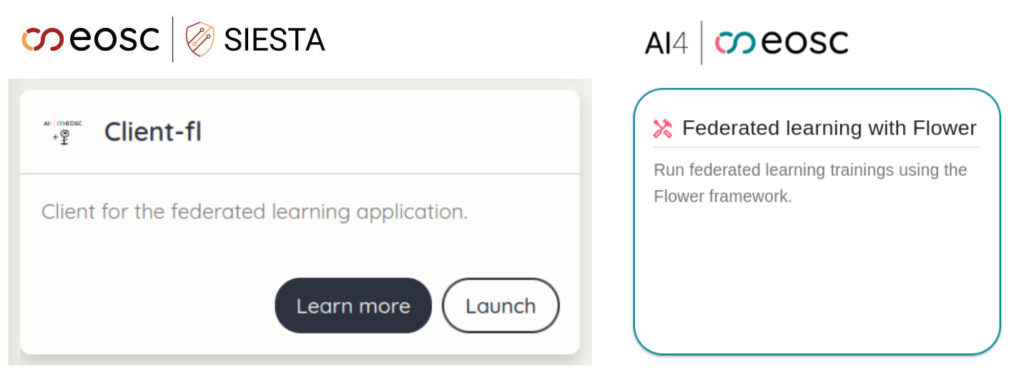
Figure 1: Service for creating federated learning clients in the EOSC SIESTA dashboard (left) and the Flower server in the AI4EOSC dashboard (right).
With this new feature, EOSC SIESTA users can easily create federated learning clients from the platform’s dashboard. The process is simple: just upload the data and model to be trained to initialize the client. For storing the data, they can work directly with data stored in S3 from the dashboard, which allows them to upload, download and delete files within their personal buckets.
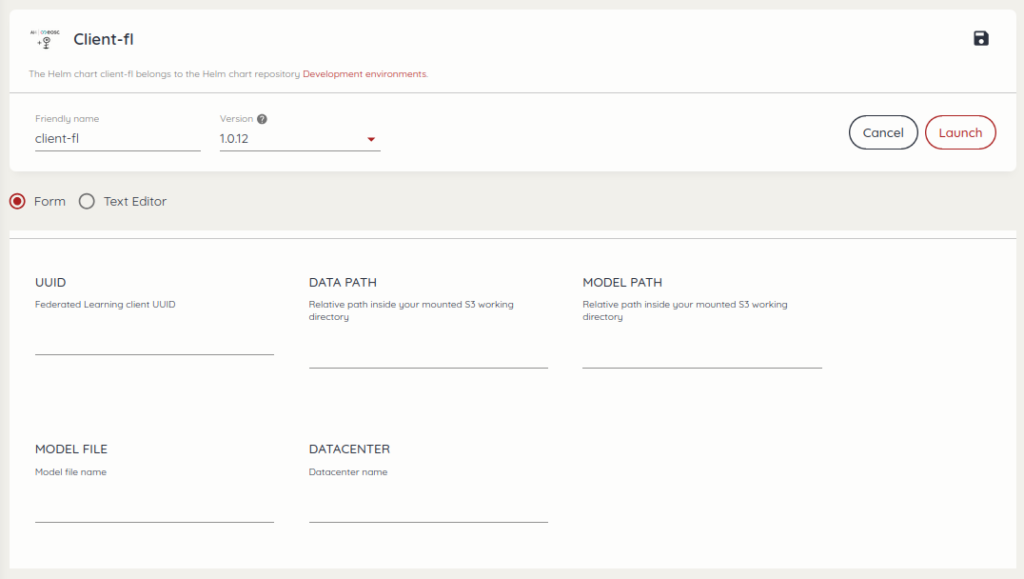
Figure 2: Form in EOSC SIESTA dashboard for configuring the FL client.
Integration of the service with AI4EOSC and Flower
Clients deployed on EOSC SIESTA automatically connect to the FL server deployed on the AI4EOSC platform using the Flower library. The connection between client and server is made using the gRPC protocol, ensuring efficient and secure communication. To establish it, users only need to enter the information of the AI4EOSC deployment, including the endpoint and the site where it is deployed (IFCA or IISAS).
By implementing this distributed architecture, multiple institutions, entities and users can collaborate on model training without exchanging sensitive data, which is particularly relevant in healthcare and industrial environments among others. Concerning additional privacy measures, from the AI4EOSC dashboard, the FL server can be launched including differential privacy for the aggregation process or metric privacy, allowing to customize the noise multiplier.
Demonstrative use case
To demonstrate this new functionality, a video tutorial has been prepared that explains step by step:
- How to deploy the federated server in AI4EOSC;
- How to create clients from EOSC SIESTA;
- How to connect both environments to perform the federated training.
The example presented uses open data related to chest X-ray images distributed in three independent clients (following this study), with the aim of classifying pathologies (pneumonia or not) from these images.
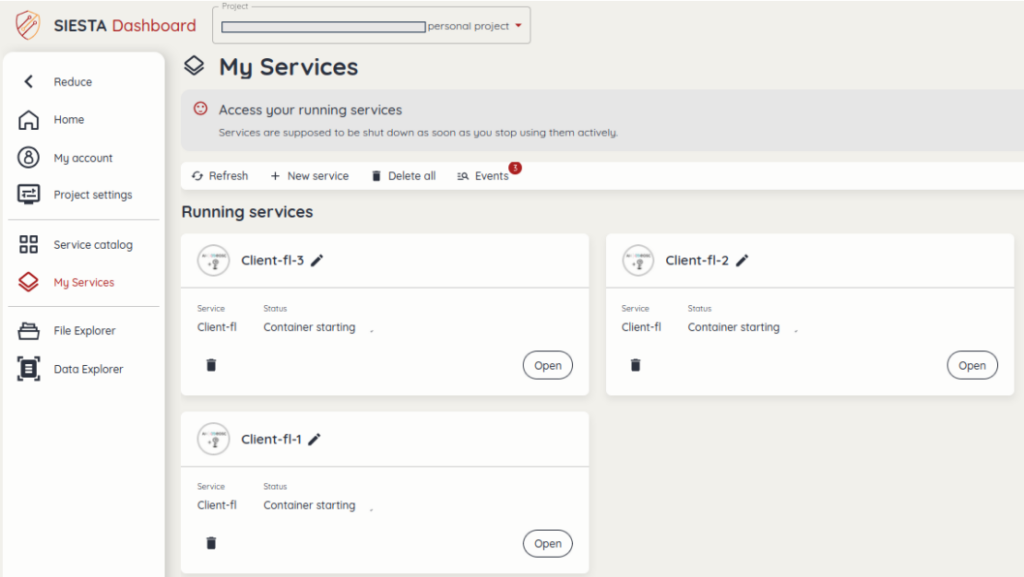
Figure 3: Three FL clients running from the EOSC SIESTA dashboard.
More news
In the quest for offering solutions along the Computing Continuum, AI4EOSC has recently collaborated with interTwin, a Horizon Europe-funded project,…
AI4EOSC users can now deploy a pre-trained AI model from the AI4EOSC Marketplace in the EOSC EU Node EOSC EU…
We’re thrilled to announce that AI4EOSC now supports batch mode training, a new feature available in the AI4EOSC Dashboard. What…